Data archiving
Data archiving moves older data out of the hot index into cheaper, durable storage — object storage (S3-compatible) or a shared file system — where it is still recoverable but no longer costs hot-storage retention. It is the counterpart to index retention: retention deletes, archiving keeps.
The three archive methods
Section titled “The three archive methods”| method | how | when to use |
|---|---|---|
| Snapshot archive | a point-in-time snapshot of Lucene shards | hot/warm/cold tiering; fast recovery, good integrity, no compression |
| Real-time archive | an agent-side collector consumes your Kafka data bus and writes compressed files straight to the destination, so the data never passes through indexing | capture everything as it arrives; requires a Kafka data bus and agent tags; object storage or a file system |
| Historical archive | an export task on a schedule, for data already ingested | regularly offload large volumes of history; object storage only |
Storage targets: object storage (S3-compatible) for all three, and a shared file system (mounted share or cloud drive) for snapshot and real-time archives. Historical archives write to object storage only — the destination picker offers nothing else for them.
What lands in the destination. Real-time and historical archives are
file archives: gzipped files of JSON, one event per line, readable with
zcat and jq and no Sondar at all. That is the format to keep anything you
want independent of us. A snapshot archive is Sondar’s own index format —
the fastest to restore, and not readable without Sondar.
Destinations
Section titled “Destinations”An archive destination is a named storage target: its type (object storage or shared file system), the path/bucket, the maximum file size, and whether data is encrypted. Create destinations first; archive rules and tasks point at them.
For a shared file system, the path is an absolute path on the Sondar server, and the directory must already exist and be writable there — Sondar does not create it. A path that does not exist is refused when you save, with the reason: “This archive destination cannot be used: location […] does not exist” (measured September 2026).
Snapshot and file archives
Section titled “Snapshot and file archives”Configure → Data Archive manages two archive kinds — Snapshot (shard snapshots) and File (file archives) — each as a list of archive definitions. A definition names the index, the data range (before / between / after a date), the archive type, and the destination. A retention setting controls how long the archive is kept before it is automatically deleted.
The Restore surface recovers an archived index back into a queryable index. Monitors watch archive jobs; tasks are the scheduled archive runs (their frequency, progress, and history).
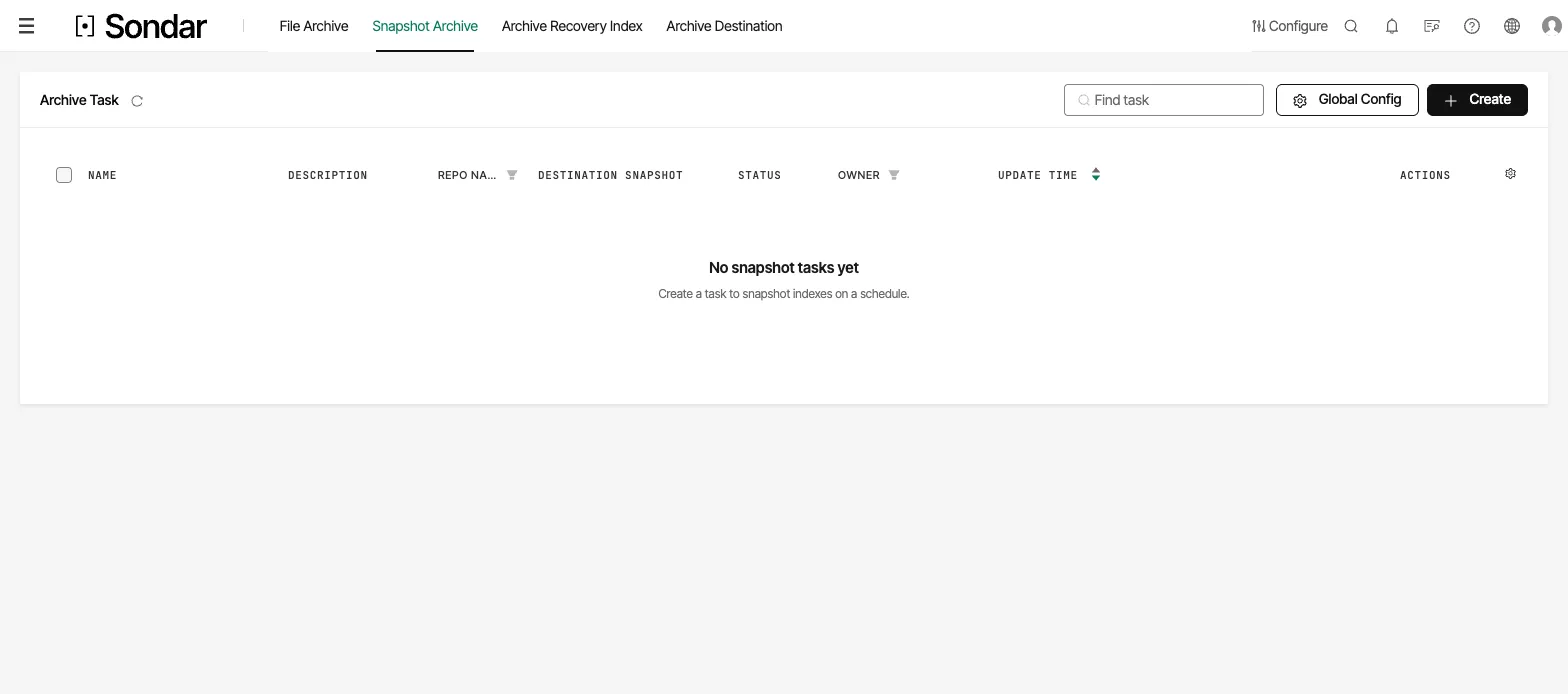
Snapshot archive tasks on a new install. The empty list says what a task does; Create starts one, and Archive Destination in the same navigation is where the storage it writes to is defined. Captured September 27, 2026.
Related
Section titled “Related”Archiving is one of several ways to manage data life:
- Index retention — the hot-storage policy that archiving extends.
- Export — sending search results out of Sondar, distinct from archiving Sondar’s own data.
- The agent’s archive senders — write-once copies at collection time, a third, agent-side mechanism.